Are Refurbished Photocopiers Reliable? What to Check Before Renting
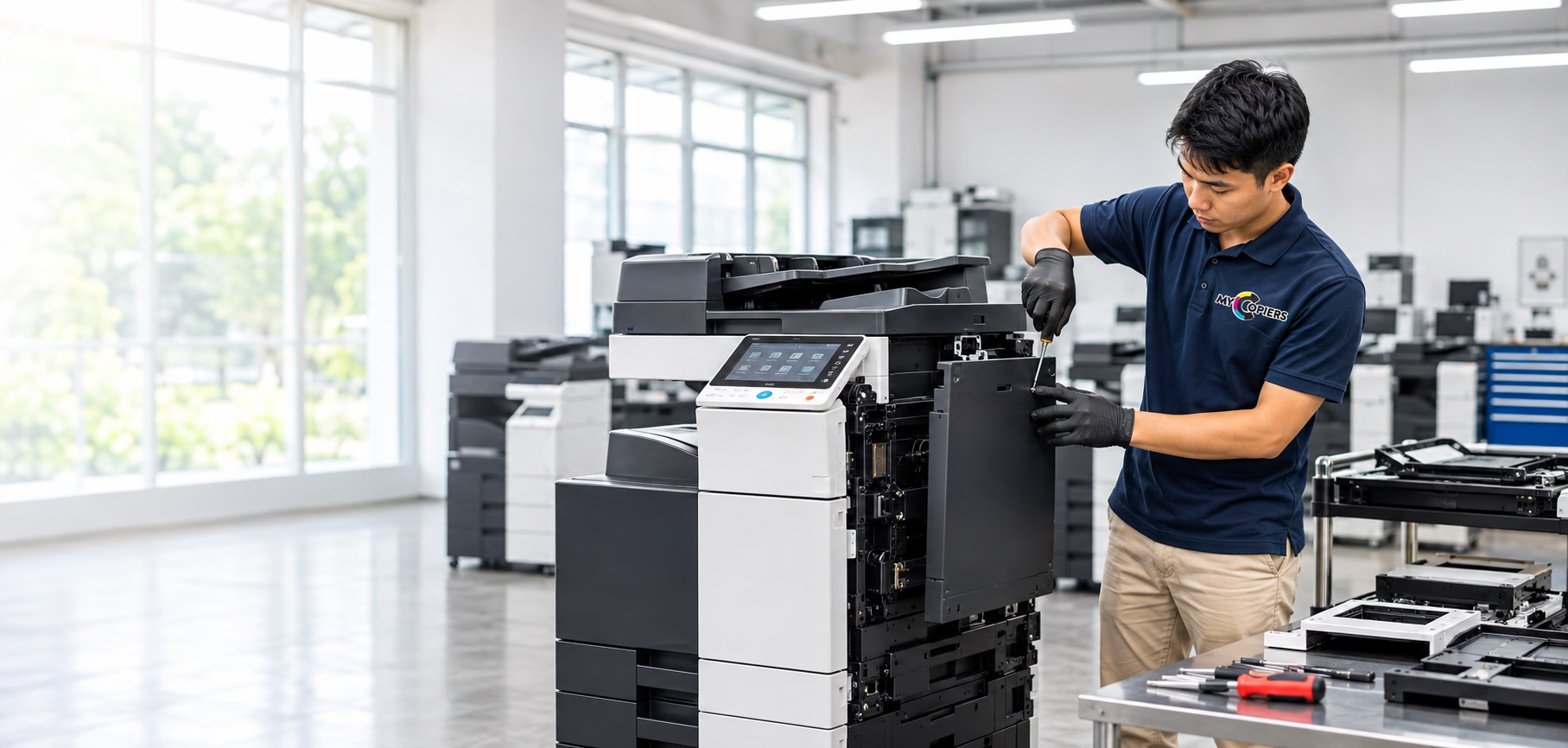
A refurbished photocopier can be a practical option for an office. However, the word “refurbished” alone does not tell you the condition of a particular machine.
The important questions are what was checked, what work was done, how the machine performs and what support comes with it.
Before renting, look beyond the appearance and monthly price.
Can a Refurbished Copier Be Reliable?
A refurbished copier can provide reliable office use when its condition, preparation and capacity suit the work it will handle.
Ask about inspection, servicing, functional testing and ongoing support. A clean exterior or a low price does not prove reliability.
What Is a Refurbished Photocopier?
A refurbished photocopier is a previously used machine prepared for further use.
Depending on the supplier and the machine, this may involve cleaning, inspection, servicing, repairs and replacing worn parts.
The scope varies. Ask what “refurbished” means for the particular machine being offered.
Do not assume every part is new or that the equipment has been refurbished by the original manufacturer.
Refurbished, Used and New: What Is the Difference?
Understand the key distinctions when evaluating machine descriptions across quotations:
| Description | What It Tells You | What to Confirm |
|---|---|---|
| New | The machine is supplied as new | Configuration, warranty and service arrangements |
| Used | The machine has been used before | Condition, preparation, testing and support |
| Refurbished | The machine has been used and prepared for further use | The actual refurbishment work, test results and support scope |
These descriptions do not replace a check of the individual machine. Do not claim all used equipment is unreliable or all refurbished equipment meets the same standard.
1. Ask What Was Inspected and Serviced
Ask the supplier to explain the preparation work.
Useful questions include:
- Which functions were checked?
- Was the machine cleaned internally as well as externally?
- Were any worn or faulty parts identified?
- What repairs or replacements were carried out?
- Was it tested after the work was completed?
Request available inspection or service information. If detailed records are unavailable, ask what can be demonstrated before acceptance.
To see how professional overhauls are structured, you can read about the refurbishment process conducted on commercial machines.
2. Test the Print and Copy Quality
Ask to see sample output from the actual machine where practical.
Use documents similar to your office work:
- A page with small text.
- A document with charts or images.
- A colour sample if colour printing is required.
- A double-sided document if your team uses this function.
Look for readable text and consistent output. Ask about visible lines, marks, faded areas or uneven results.
For colour-sensitive work, discuss your expectations before choosing a machine. Do not assume an office copier provides professional proofing accuracy.
3. Check Paper Handling and Scanning
A good-looking sample page is only one part of the assessment.
Ask for a demonstration of the functions you need:
- Feeding several pages through the document feeder.
- Printing from the required trays.
- Double-sided printing.
- A3 printing, if required.
- Scanning several documents.
- Any included finishing accessories.
One successful test does not guarantee future performance, but it helps confirm that the required functions work at handover.
Confirm the supported paper types and sizes for the exact model.
4. Consider Usage History and Current Condition
Ask about the machine’s age, meter reading and available service history.
A meter reading records machine usage. It is useful information, but it should not be treated as the only measure of condition.
Consider it alongside maintenance, replaced parts, test results and the workload planned for your office.
Do not use an arbitrary meter-count limit to label every machine as good or bad. Different models and conditions need different assessments.
5. Match the Machine to Your Office Work
A refurbished machine still needs to fit your requirements.
Tell the supplier:
- Your estimated monthly printing.
- Black-and-white and colour needs.
- Busy periods and large print jobs.
- Required paper sizes.
- Scanning and finishing requirements.
- Number of people sharing the machine.
Ask whether the proposed model and configuration suit this workload. For guidance on sizing machines by workload, see our article on how to choose an office photocopier.
Do not choose a machine only because it has a low rental price or a high advertised maximum capacity.
6. Confirm Software, Parts and Consumables Support
Check that the machine can work with your office computers and network.
Ask about:
- Drivers for your operating systems.
- Printing and scanning setup.
- Required accessories or software licences.
- Availability of toner and replacement parts.
- Manufacturer software or firmware support for the model.
Do not assume every older model supports the newest operating systems or receives ongoing software updates.
Ask your IT team to review any important compatibility or security requirements.
7. Read the Maintenance and Warranty Terms
Check what support applies to the actual rental package.
Ask:
- What maintenance is included?
- Are toner, parts and labour covered?
- What exclusions apply?
- How do we report a fault?
- What service hours and response arrangements are agreed?
- What happens if a repair cannot be completed promptly?
Do not assume a replacement machine, same-day repair or round-the-clock support is included.
Warranty coverage, maintenance scope and rental duration are different terms. Confirm each one in writing.
For a complete list of agreement items to review, consult our copier rental agreement checklist.
Ask About Previous Settings and Stored Data
A previously used copier may retain settings or information, depending on the model and configuration.
Ask how the supplier handles previous user settings, stored jobs, address books and credentials before installation.
When your rental ends, confirm the process for handling your organisation’s information on the device.
Do not describe a machine as securely erased or certified without evidence of the procedure used.
When Should You Ask More Questions?
Request clarification if:
- •The exact model or configuration is unclear.
- •Required functions cannot be demonstrated.
- •Visible print-quality problems are left unexplained.
- •Maintenance exclusions are not documented.
- •Compatibility is promised without checking your systems.
- •The supplier cannot explain what refurbishment work was done.
These points are reasons to investigate further. They do not automatically prove that a machine is unsuitable.
Discuss Refurbished Copier Options with MYCOPIERS
MYCOPIERS provides copier rental and support for businesses in Kuala Lumpur, Selangor and Putrajaya.
Share your printing needs and ask our team about the proposed machine’s preparation, available functions and service arrangements.
Confirm the actual model, package inclusions and agreement terms before proceeding.
Choose the Machine and Support Together
A refurbished copier should be judged by its condition, tested functions and suitability for your office.
Ask clear questions, review sample output and understand the service agreement. These checks give you a better basis for deciding than appearance or price alone.
Frequently Asked Questions About Refurbished Photocopiers
Common questions business owners ask when considering a refurbished office photocopier:
Is a refurbished photocopier the same as a new machine?
Are all parts replaced during refurbishment?
Does a low meter reading guarantee good condition?
Can a refurbished copier print in colour and scan?
Will it work with our computers?
Does refurbishment include a warranty?
Can I see sample prints before renting?
Explore Refurbished Copier Options for Your Office
Tell us your printing and scanning needs. Our team can explain suitable options and their service arrangements.
Explore Related Equipment & Service Pages
See how copiers undergo disassembly, deep cleaning, diagnostics and testing.
Browse colour, monochrome, and high-volume commercial multifunction copiers.
Learn about fast-response repairs, genuine parts replacement, and ongoing servicing.
Explore transparent monthly rental packages with all-inclusive MYCARE support.